

LandStrong Client Care Portal
A demo MVP that brings intake, Google Calendar and Meet scheduling, reminders, invoicing, and email notifications into one place — plus AI-drafted session notes that stay private until the therapist approves them.

Business workflow automation
If you’re copying form submissions into spreadsheets, chasing appointment confirmations, or typing the same email for the tenth time this week, there’s a better way. I build automations and simple tools that take repetitive work off your plate.
One inquiry, handled
What happens when a customer reaches out
Where the time goes
None of these take long on their own. Together, they quietly eat hours every week.
Without:A request lands in a shared inbox and waits until someone happens to see it.
You’re notified the moment it arrives, the customer gets a confirmation, and it’s logged for follow-up.
Without:Booking one visit takes three phone calls and a voicemail.
Customers choose an open time online. Confirmations and reminders go out on their own.
Without:New clients fill out paper forms that someone retypes later.
Intake happens online and arrives organized, complete, and ready to use.
Without:Follow-ups depend on someone remembering to send them.
Follow-up emails and reminders go out on schedule, every time.
Without:Clients call or email to ask where things stand.
A client portal shows them — and you get that time back.
What I can build
New inquiries reach the right person instantly, with every detail in one place.
Every lead tracked from first message to final answer, so nothing slips.
Connect the booking tools you already use to your website and calendar.
Confirmations, reminders, and follow-ups that send themselves.
A secure place for clients to book, view updates, and handle paperwork.
The numbers and lists you check every day, on one screen.
Website leads flow straight into your CRM instead of a spreadsheet.
Small, focused tools that replace the clunky workaround your team relies on.
In practice
A demo MVP that brings intake, Google Calendar and Meet scheduling, reminders, invoicing, and email notifications into one place — plus AI-drafted session notes that stay private until the therapist approves them.
Every “Client Login” link on the new website connects customers to the company’s existing Jobber Client Hub, so the website and the scheduling system work together.
Every “Schedule an Appointment” button sends patients straight to the practice’s secure EHR scheduling portal — no duplicate systems, and no health information collected by the website.
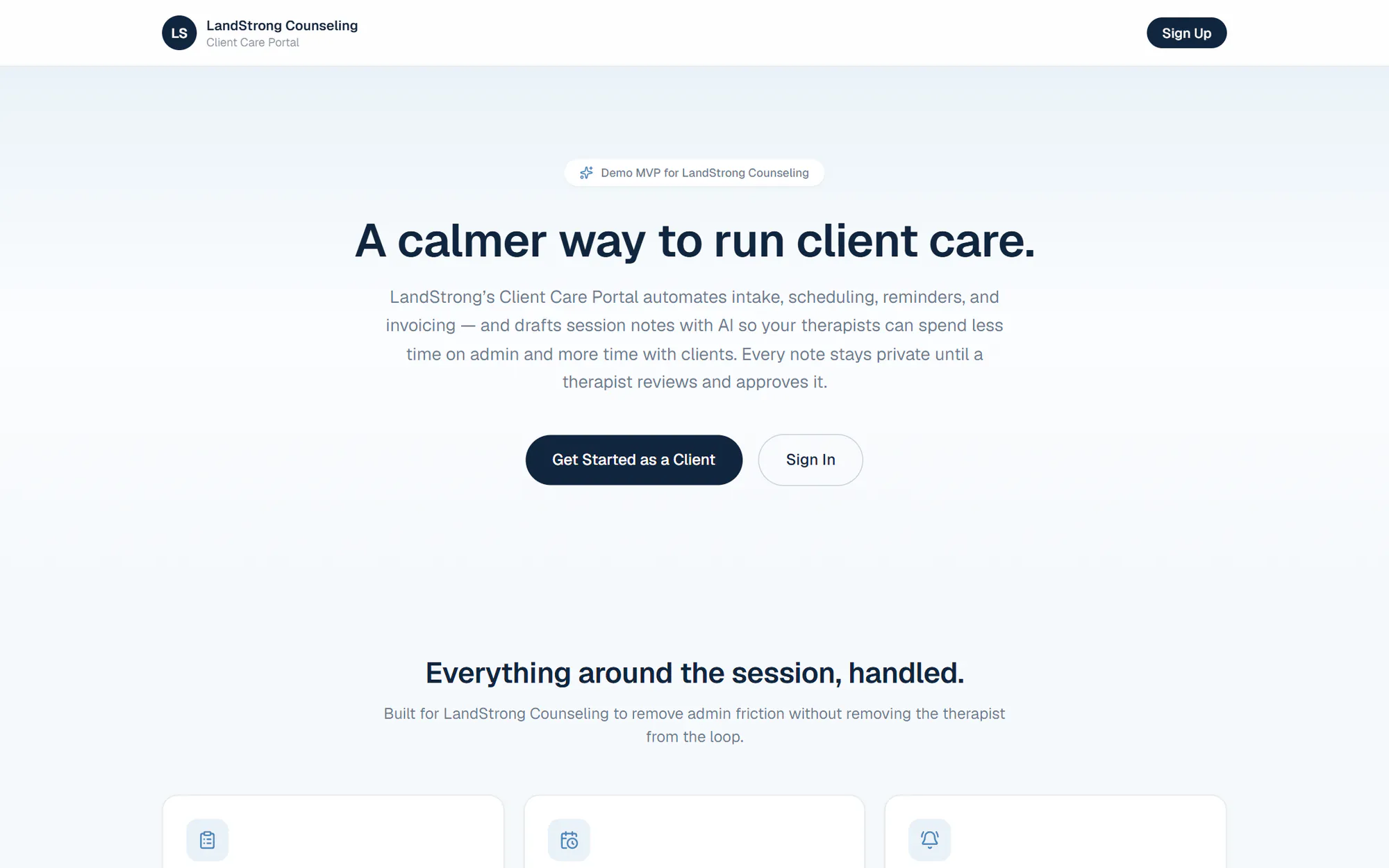
LandStrong Client Care Portal — a working demo MVP built for LandStrong Counseling.
My approach
Let’s talk
Tell me about the tasks that eat your week. I’ll tell you honestly which ones are worth automating — and how.