

Custom software development
Software shaped like your business.
When off-the-shelf tools almost fit — but not quite — you end up working around them. I build custom web applications, client portals, dashboards, and internal tools that fit the way your business actually runs.
When custom makes sense
Sound familiar?
Not every problem needs custom software. But if a few of these ring true, it’s worth a conversation.
- You pay for three tools that don’t talk to each other.
- Your team keeps a “real” spreadsheet next to the software you bought.
- Clients email you for information they could look up themselves.
- An important process lives entirely in one person’s head.
- Your business has simply outgrown the way it’s set up.

What I build
Development beyond the basics.
This is what separates DM Digital Boutique from a typical web design shop: full-stack development, front to back.
- 01
Custom web applications
Browser-based software built for one job — yours — and nothing you don’t need.
- 02
Business management systems
Jobs, clients, schedules, and paperwork, organized the way your team actually works.
- 03
Client portals
Secure logins where clients can book, upload, pay, and check progress on their own.
- 04
Custom dashboards
The information you need to run the business, gathered onto one clear screen.
- 05
Internal tools
Focused tools that replace fragile spreadsheets and copy-paste routines.
- 06
API integrations
Connecting the services you already rely on so data moves on its own.
- 07
Database-driven applications
Structured, searchable data with the right people seeing the right things.
Spotlight
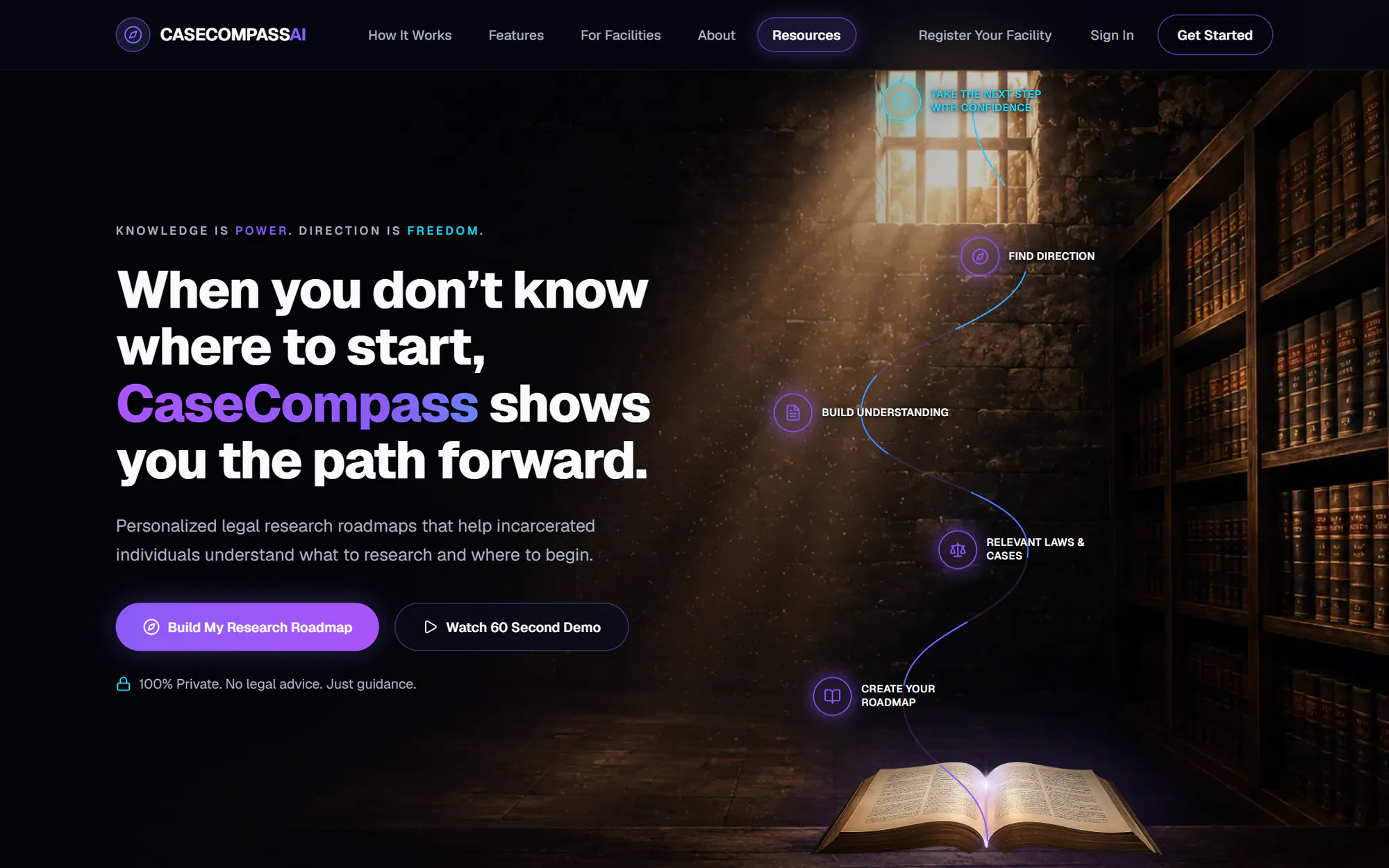
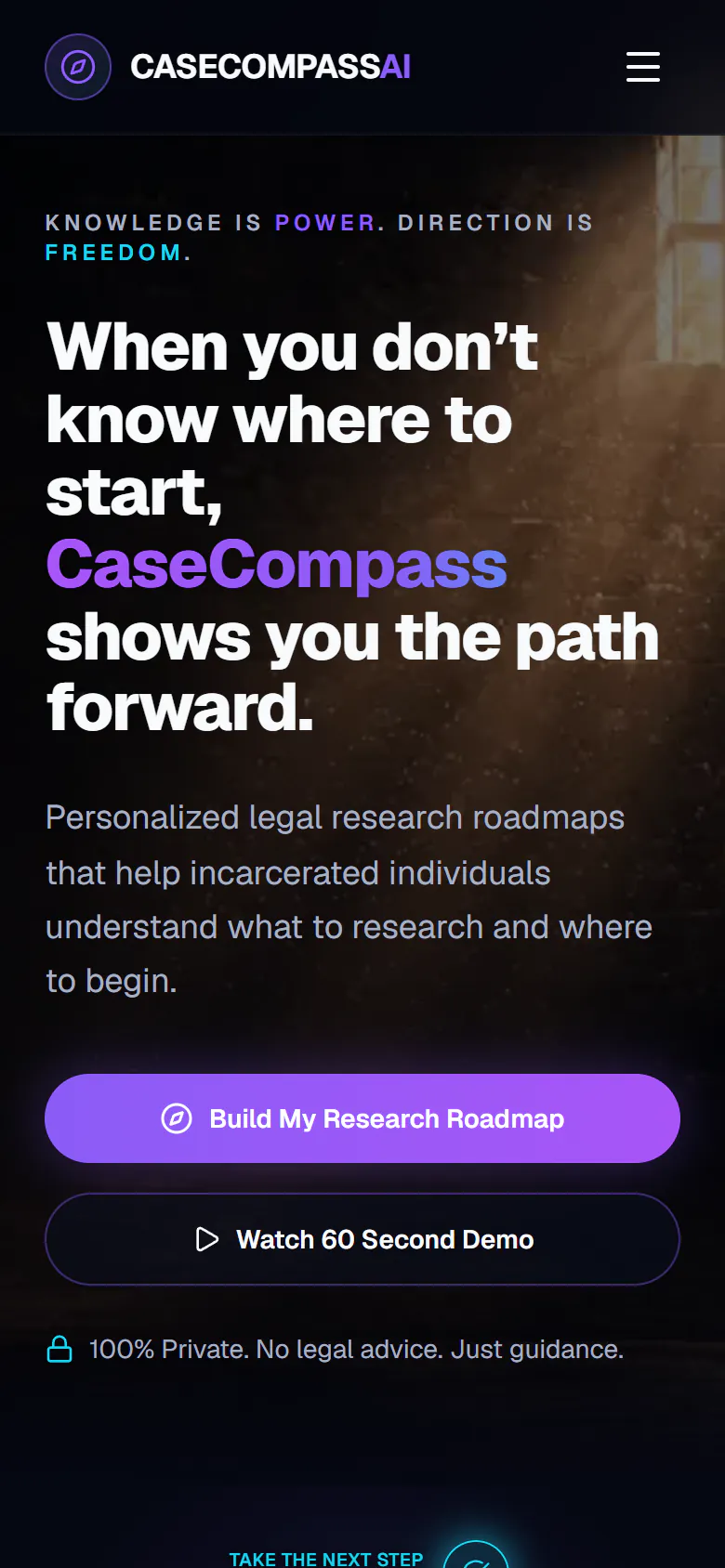
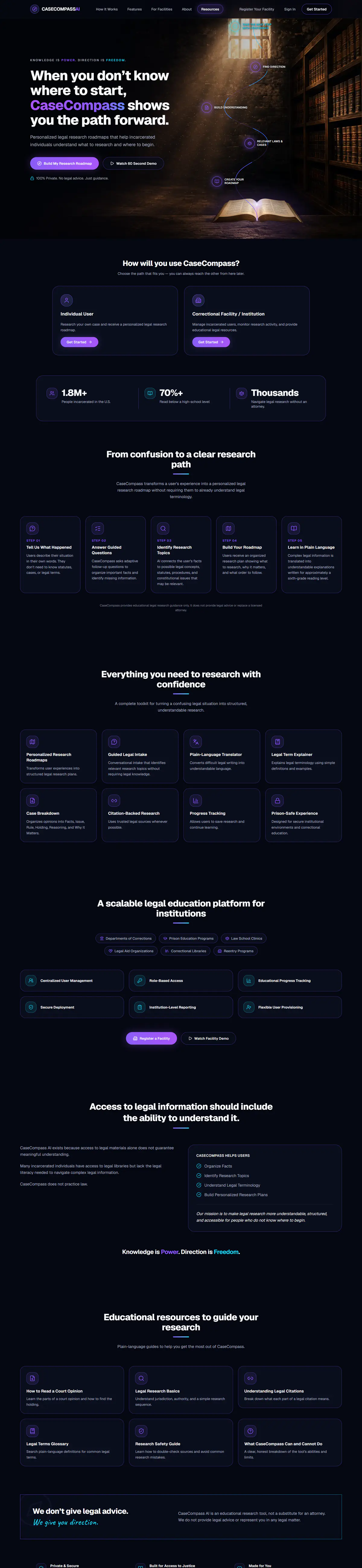
CaseCompass AI
An AI-powered platform I founded and built that turns a person’s situation into a plain-language legal research roadmap.
It brings together authentication and role-based access, a PostgreSQL database, a structured intake, and AI that turns that intake into a plain-language roadmap — the same kind of foundation a client portal or business system needs.
- Next.js
- React
- TypeScript
- OpenAI API
- Clerk
- Prisma
- PostgreSQL
How I build
Modern tools, careful habits.
Secure by default
Real authentication, role-based access, and validated input — not an afterthought.
Tested
Automated tests around the parts that matter, so changes don’t quietly break things.
Built to grow
Clean, typed, documented code that another developer could pick up — and that can expand with you.
Explained plainly
You’ll understand what’s being built and why, without needing a technical vocabulary.
The toolkit
- Front end
- Next.js · React · TypeScript · JavaScript · Tailwind CSS · HTML & CSS
- Back end & data
- Node.js · Express · REST APIs · Prisma · PostgreSQL · Supabase · SQLite
- Accounts & access
- Clerk · Session management · Role-based access control
- AI & automation
- OpenAI API · AI workflow design · Zapier
- Quality
- Vitest · Playwright · React Testing Library
- Hosting & delivery
- Vercel · Serverless functions · Git & GitHub · CI/CD

Let’s talk
Have a process that deserves better software?
Describe what you’re trying to do — even roughly. I’ll help you figure out whether custom software is the right answer.